Yes. Sleep is softer if you want to keep the work environment intact.
Guide · automatic shutdown
Automatic computer shutdown
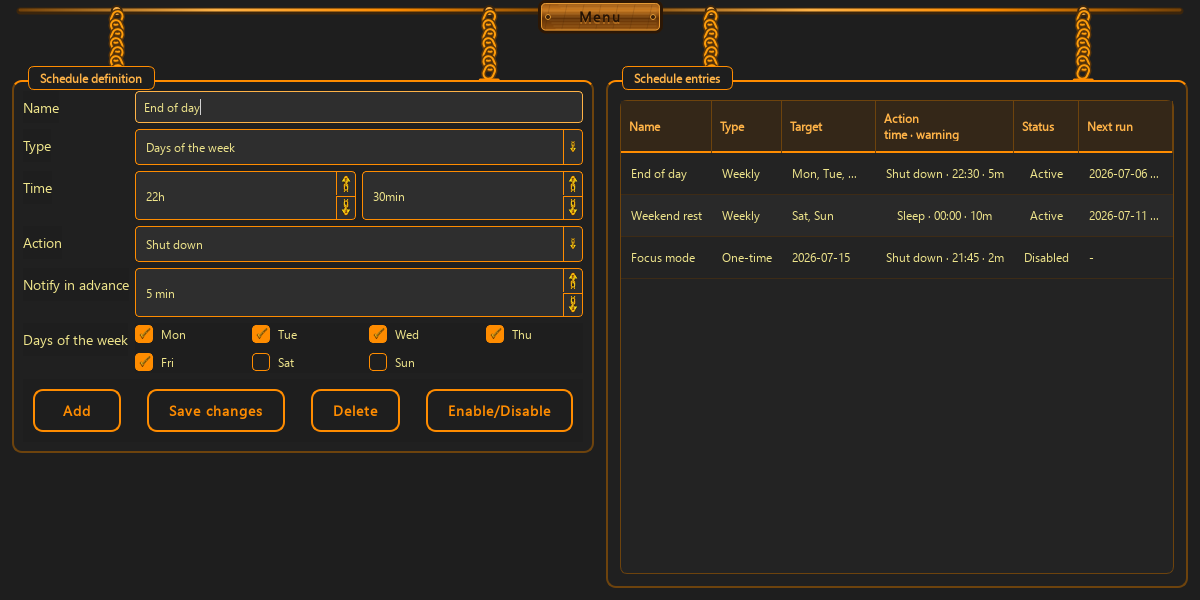
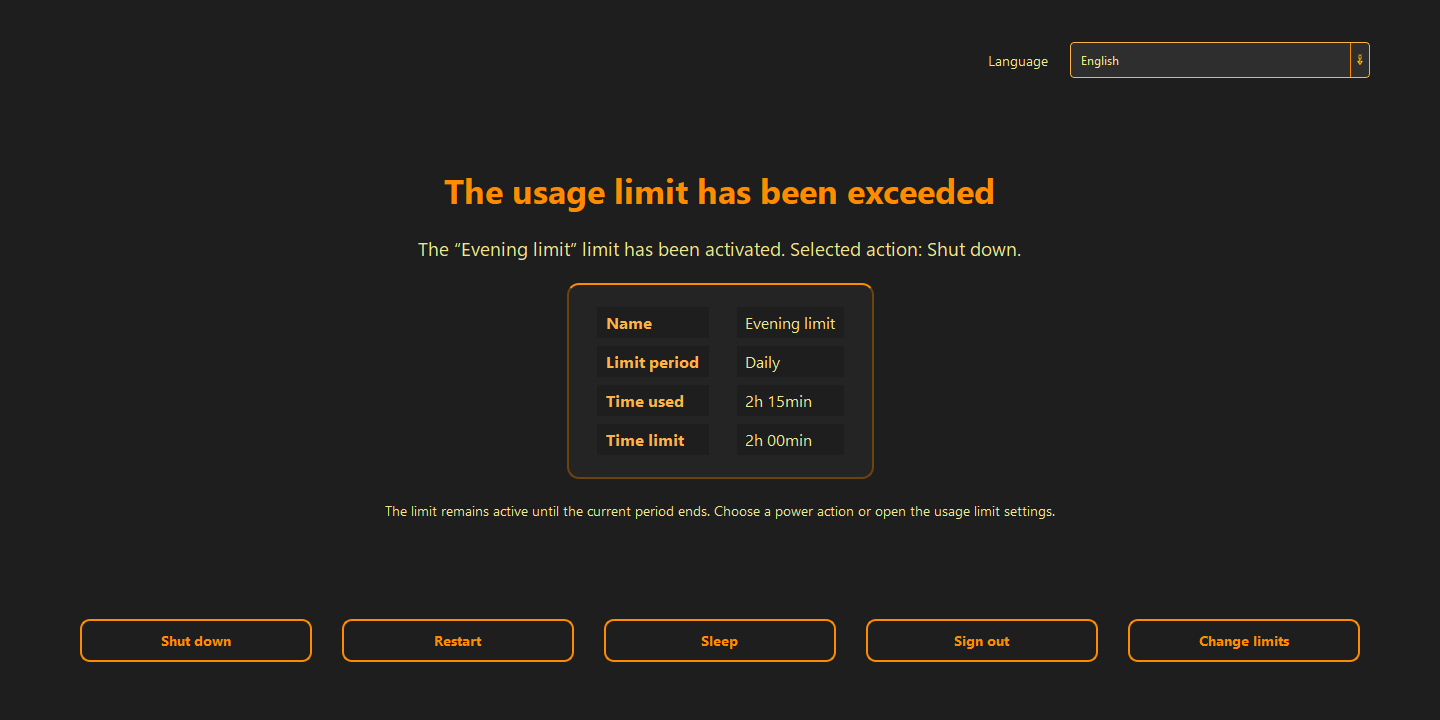
Automatic shutdown works best when the machine should simply stop working at a defined time. ChainBreaker warns first and then performs one chosen action.
This page is useful when you want to:
- end the workday without manually watching the clock
- force a hard stop in the evening or at night
- use sleep or shutdown after a rule is exceeded
When shutdown is better than a reminder
If the problem is not memory but lack of a stopping point, a reminder is not enough. Shutdown or sleep makes sense when you want to end the session, not just think about ending it.
- you close the day at a defined hour
- you reduce the chance of drifting into the night
- you do not rely on the user to click close manually
How to set the rule without surprise
A good rule says what will happen before it happens. First the warning, then the action. That gives the user time to save work, close applications, and prepare to go offline.
- set an early warning
- choose one clear consequence: sleep or shutdown
- tie the rule to a clock time or a time limit
When not to overdo it
If the computer acts as a server, runs virtual machines, or handles a long render, shutdown should not be the default punishment. In those cases, limit access instead of cutting power hard.
- do not hard-shutdown machines with long-running processes
- match the action to the machine’s role
- use a local rule instead of clock-watching by hand
Good to know
Questions about the current version.
Yes. The rule can warn ahead of time.
Yes. The rules stay local to the device.
Guide · automatic shutdown
End the day while it is still a deliberate choice.
The best automation does not surprise you. It gives you time to save work and closes the session in a predictable way.
Back to the homepage