Power schedules
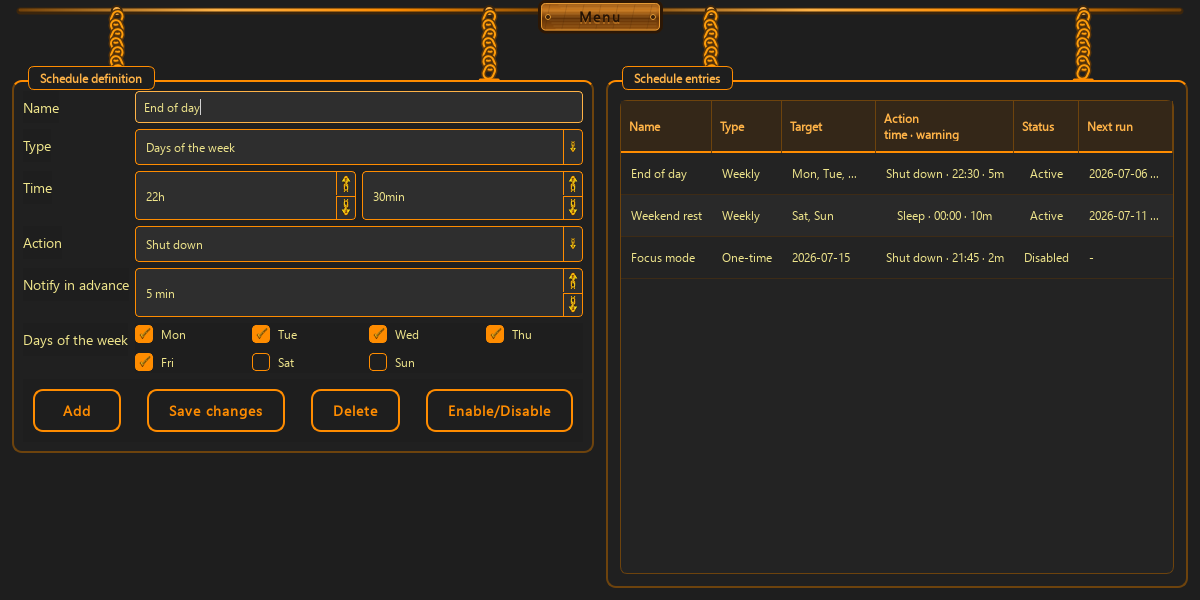
Shut down or sleep the computer on selected weekdays or a one-time date.
ChainBreaker schedules computer shutdown or sleep and automatic monitor settings. Rules are stored locally and executed in the background.

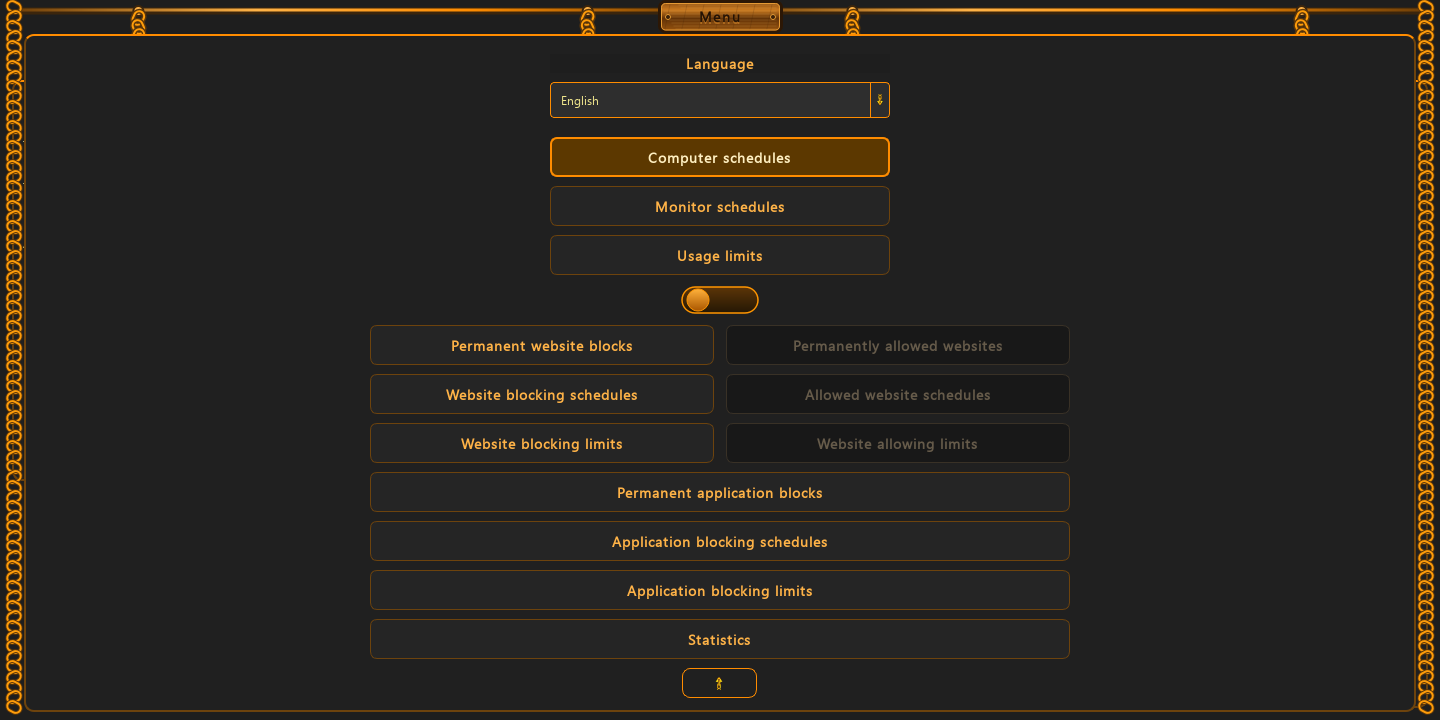
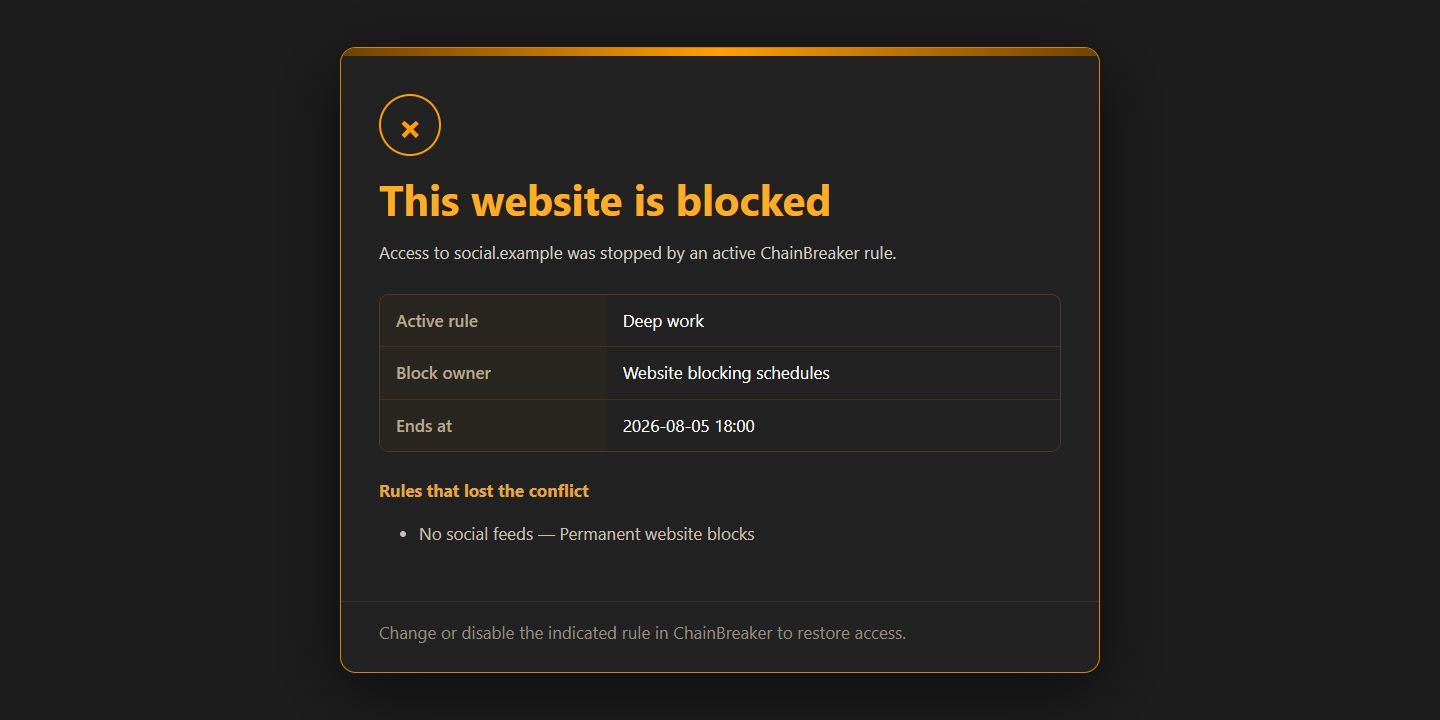
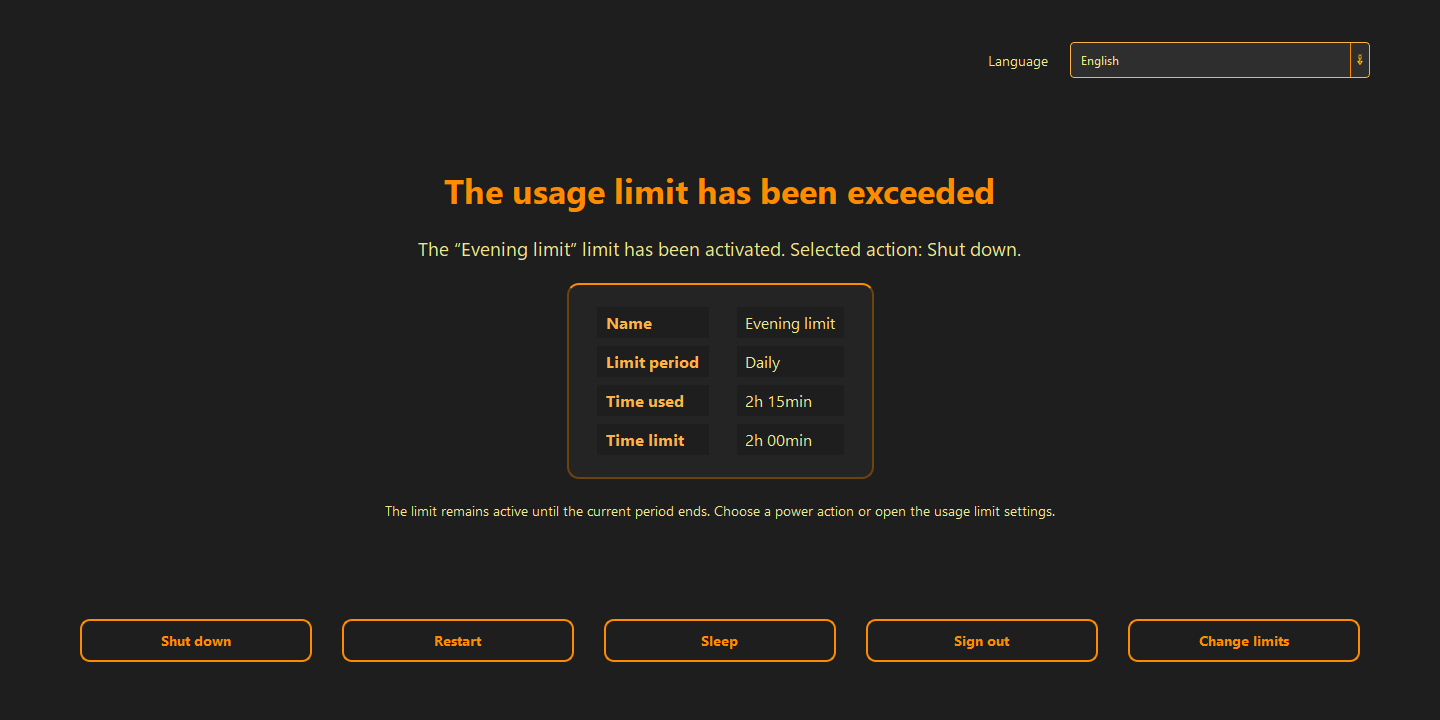
These captures come from the real desktop application and change with your selected language.

Time, weekdays, action and advance notification.
The scope matches the current application and its real screens.
Shut down or sleep the computer on selected weekdays or a one-time date.
Change brightness, grayscale and blue light filtering automatically.
Schedules are kept in a local SQLite database. Your data remains yours alone—the app never shares it with anyone.
The blue light filter reduces the screen’s blue component, warms the image and helps reduce eye strain during evening computer use.
Grayscale puts less strain on the dopamine reward system: it reduces the appeal of colorful stimuli and discourages empty, isolated consumption. It becomes easier to step away from the screen and experience the real world more fully.
A calmer screen can help you end the session, do something else, go to bed earlier and give yourself a chance at longer, fuller sleep.
Create an entry in either module. ChainBreaker stores it locally and executes active schedules in the background.
Computer power or monitor settings.
Set the action, time, date or weekdays.
The active rule is handled in the background.
We have a limited amount of free will that renews each day. Let us preserve it by automating the need to fight ourselves every day. Let us give ourselves the chance to spend it on what comes next.
01
Freedom is, in truth, the choice of our own bonds — the ones that leave us the strength and time to live as we genuinely want.
02
Time is a currency that is forever running out. There is no way to earn more of it. So do not let it be taken from you unnoticed. Let us make sure you spend this resource on exactly what you want. As consciously as you want.
03
“An app built to restore control should not take control of your data.”
Microsoft Store displays the price and terms appropriate for your region.
Yes. Schedules and settings are stored locally and rule execution does not require a permanent connection.
The app shows a notification with the rule name, scheduled time and a countdown.
Yes. Closing the window can hide it in the tray while schedules remain active.
The current desktop application supports Windows 10 and Windows 11.
Get the regional version of ChainBreaker directly from Microsoft Store.
Get it from Microsoft Store