Yes. A schedule can apply only on selected weekdays or on a specific date.
Guide · scheduled internet access
Schedule-based internet limits
The current app supports two modes: block selected domains, or restrict Internet access and allow only chosen sites. Both modes support schedules, time limits, and local conflict resolution.
This page is useful when you want to:
- block selected domains or allow only the sites you need
- work with weekdays, dates, and windows that cross midnight
- keep exceptions without breaking the rule apart
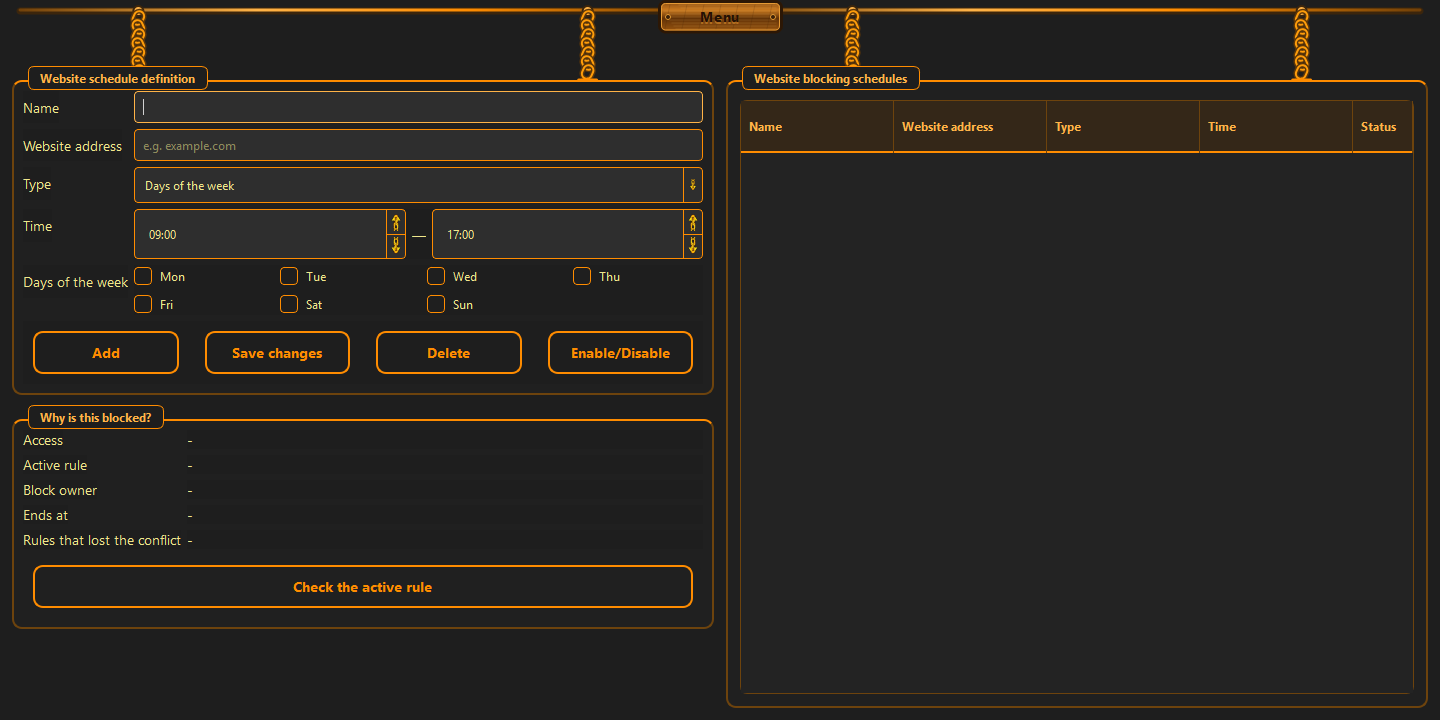
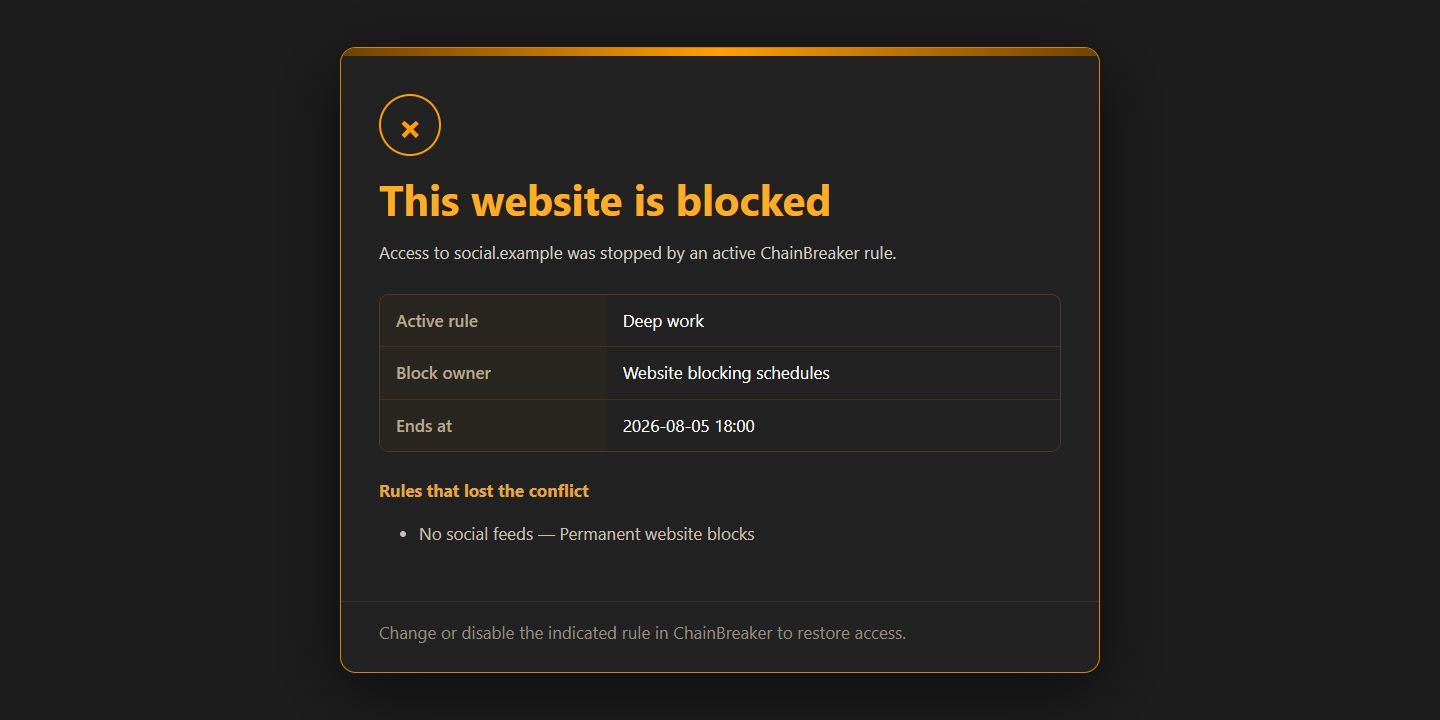
Why a schedule beats manual blocking
Manual blocking has one weakness: it only works when someone remembers it. A schedule removes that problem. The rule comes into force automatically and returns to the baseline at the right time.
- the rule switches itself at the chosen time
- you can restrict it to selected days
- the window can cross midnight
How to use exceptions without wrecking the rule
Exceptions only make sense when they really support work. One or two domains can stay open, but if the list keeps growing without limit, the rule stops being a rule and becomes a wish.
- keep only the exceptions you truly need
- do not turn one exception into a broad category
- keep the line between work and distraction visible
What to do when rules overlap
When several rules cover the same window, a clear hierarchy matters. The stronger rule should win, and the weaker one should not undo it. That makes the outcome predictable.
- the stronger rule wins over the weaker one
- overlapping time should not be counted twice
- the decision must stay predictable
Good to know
Questions about the current version.
Yes. That is important for evening limits and overnight boundaries.
Only when they become too broad. Narrow exceptions are normal.
Guide · scheduled internet access
A schedule works best when it stays simple.
Set the time window first, then add exceptions. Not the other way around.
Back to the homepage