Usually not. It works best together with a time limit or a schedule.
Guide · fewer stimuli
Grayscale and reducing digital stimuli
Grayscale does not fix everything, but it can take away some of a screen’s pull. ChainBreaker lets you combine it with other display changes, locally and without noise.
This page is useful when you want to:
- make the screen less attractive in the evening
- combine grayscale with blue-light filtering
- stop relying on willpower when stimuli are too easy to reach
Why grayscale works
Color feeds attention. When you reduce it, some content becomes less aggressive. That does not solve the problem on its own, but it lowers the signal you have to resist.
- the screen loses part of its pull
- evening scrolling becomes less sticky
- it is easier to step back from the monitor
How to combine it with the rest of the setup
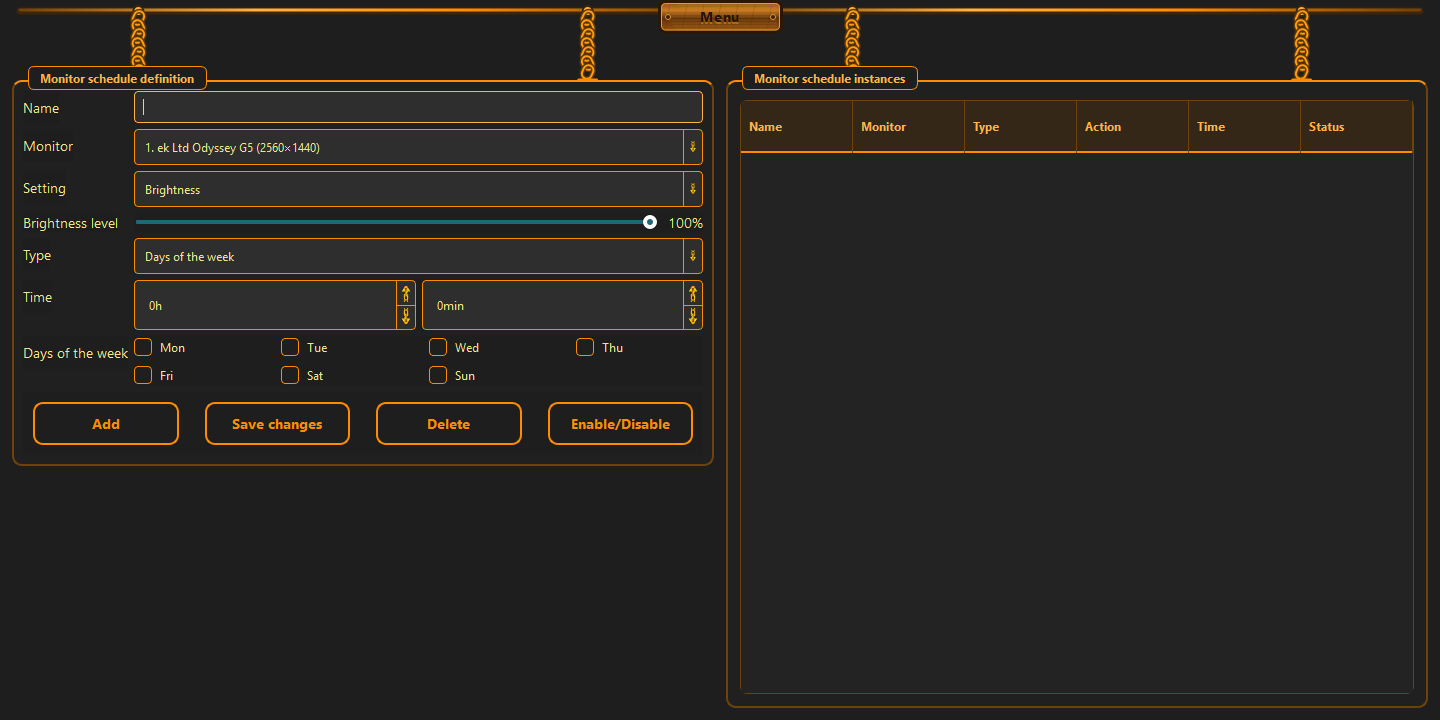
The best effect comes from a simple combination: grayscale, blue-light filtering, and a schedule. Instead of one huge decision, you get a set of small limits that support each other.
- grayscale can be turned on by time window
- blue-light filtering softens evening use
- a monitor schedule removes manual switching
When not to overdo it
If you work with images, color, or video, grayscale should not be the default mode for the whole day. It should support the boundary, not get in the way of color-sensitive work.
- do not leave it on blindly all day
- use it where the stimuli are strongest
- treat it as support, not a magic fix
Good to know
Questions about the current version.
Yes. That is usually when screens pull hardest on attention.
Yes. That is why a schedule is better than a permanent switch.
Guide · fewer stimuli
Take some power away from the stimuli instead of fighting them head-on.
Less color, less noise, less accidental pull. That can be enough to make the evening calmer.
Back to the homepage