Yes. The rule can be tied to a schedule so the site is allowed outside the chosen window.
Guide · website blocking
Blocking websites in Windows
When the problem starts on a specific site, block it at the source. ChainBreaker keeps domains out of reach, supports exceptions, and stores the rule locally.
This page is useful when you want to:
- block a specific domain instead of the whole internet
- keep the block permanent or only active during certain hours
- allow only the exceptions that genuinely matter
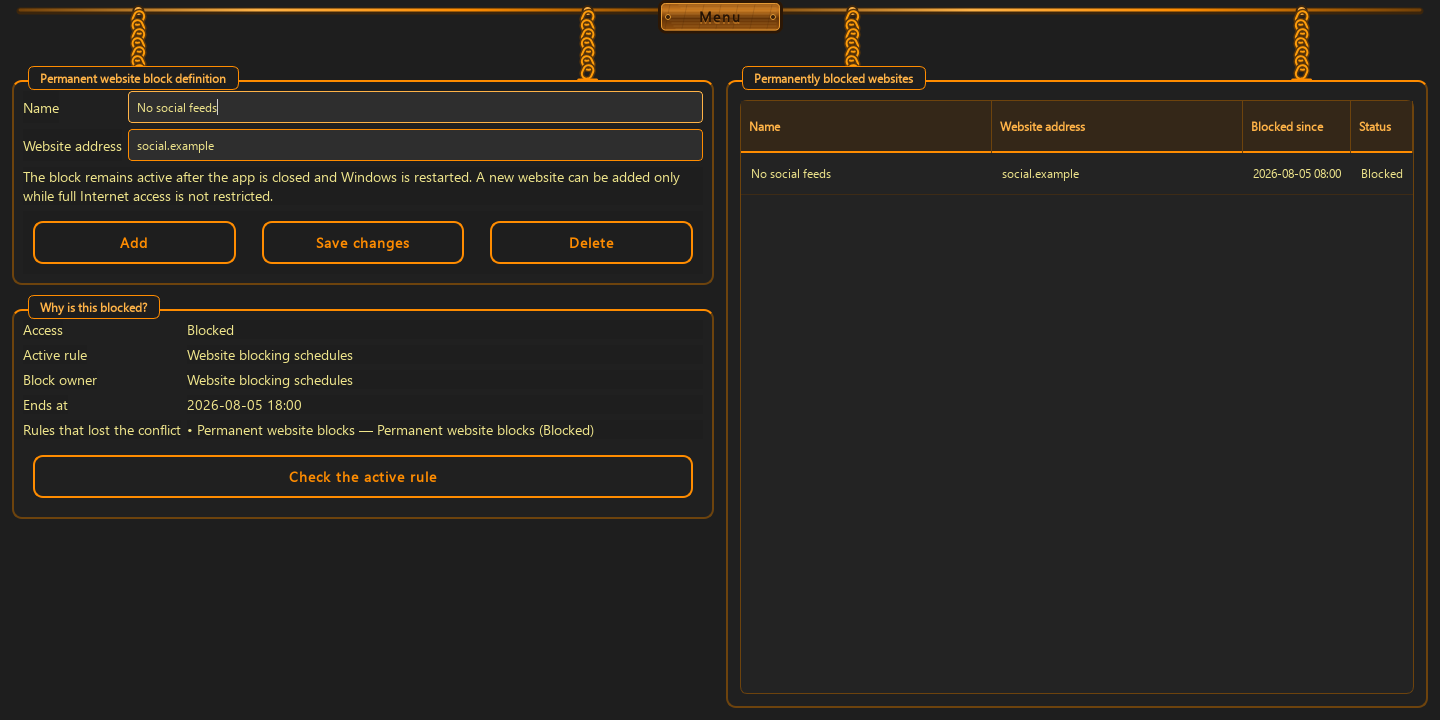
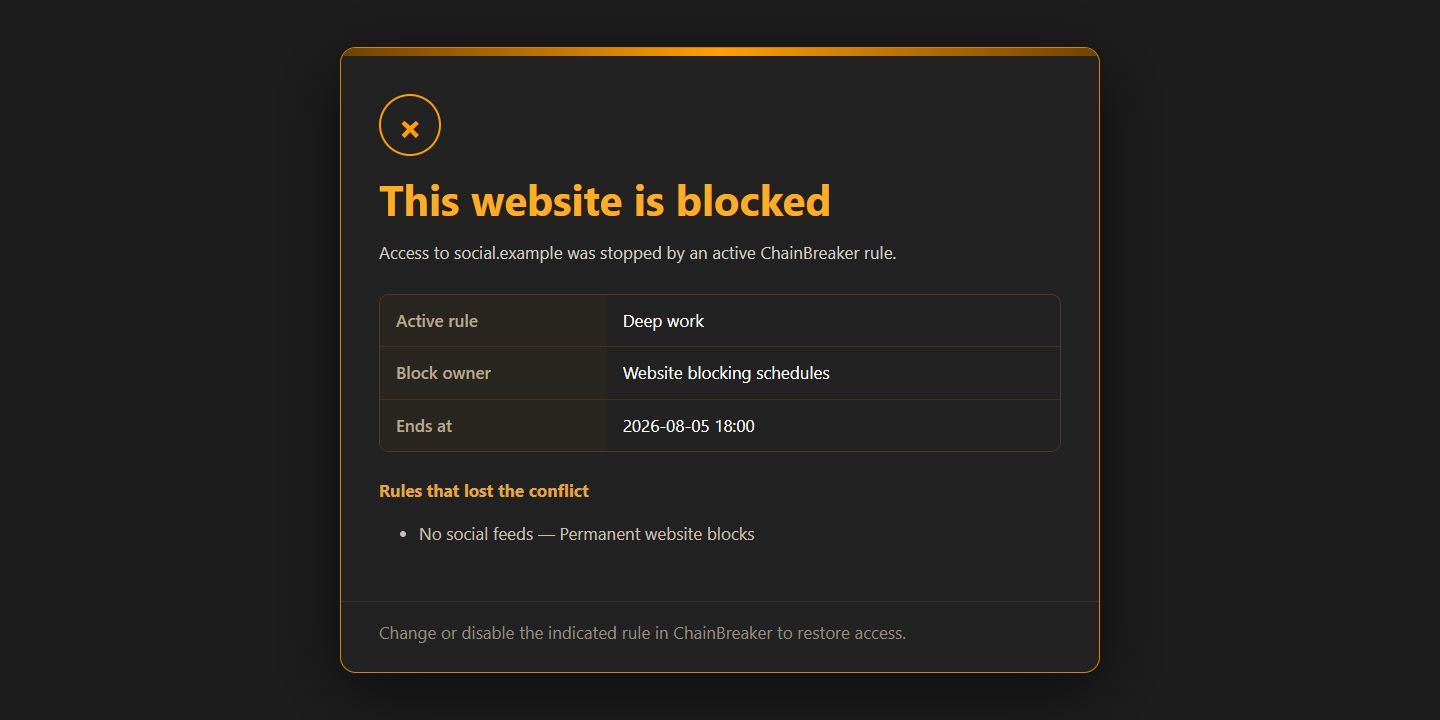
When site blocking works best
It works best for sites that keep pulling you back in: social media, short-form feeds, gambling sites, news loops, or anything you keep opening out of habit.
- block one domain or a group of related domains
- keep the rule always on or tie it to a schedule
- the rule survives restart because it is stored locally
How to set it up without exception sprawl
Start with exact domains. Then add only the exceptions you genuinely need. Fewer exceptions means the rule is easier to keep in place for months instead of days.
- enter exact domains first, not a broad list
- add exceptions only for real work
- test it in one browser before you expand the rule
What it should not promise
Site blocking does not replace judgment. It removes easy access and lowers friction, but lasting change works better when the rule is paired with time limits and a clear schedule.
- it does not claim to control all behavior
- it does not need a cloud account
- it does not collect browsing history or page contents
Good to know
Questions about the current version.
No. Add exceptions only when the block interferes with real work.
Yes. The local rule remains active after the machine restarts.
Guide · website blocking
If you want fewer distractions, start with one domain.
The best block is the one you can keep without daily manual fixes.
Back to the homepage